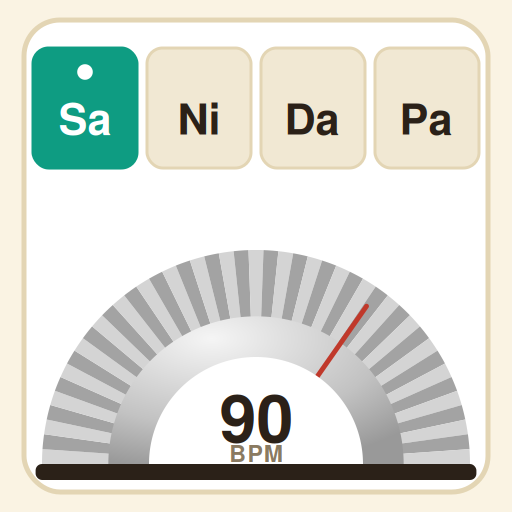
 LayaSwara
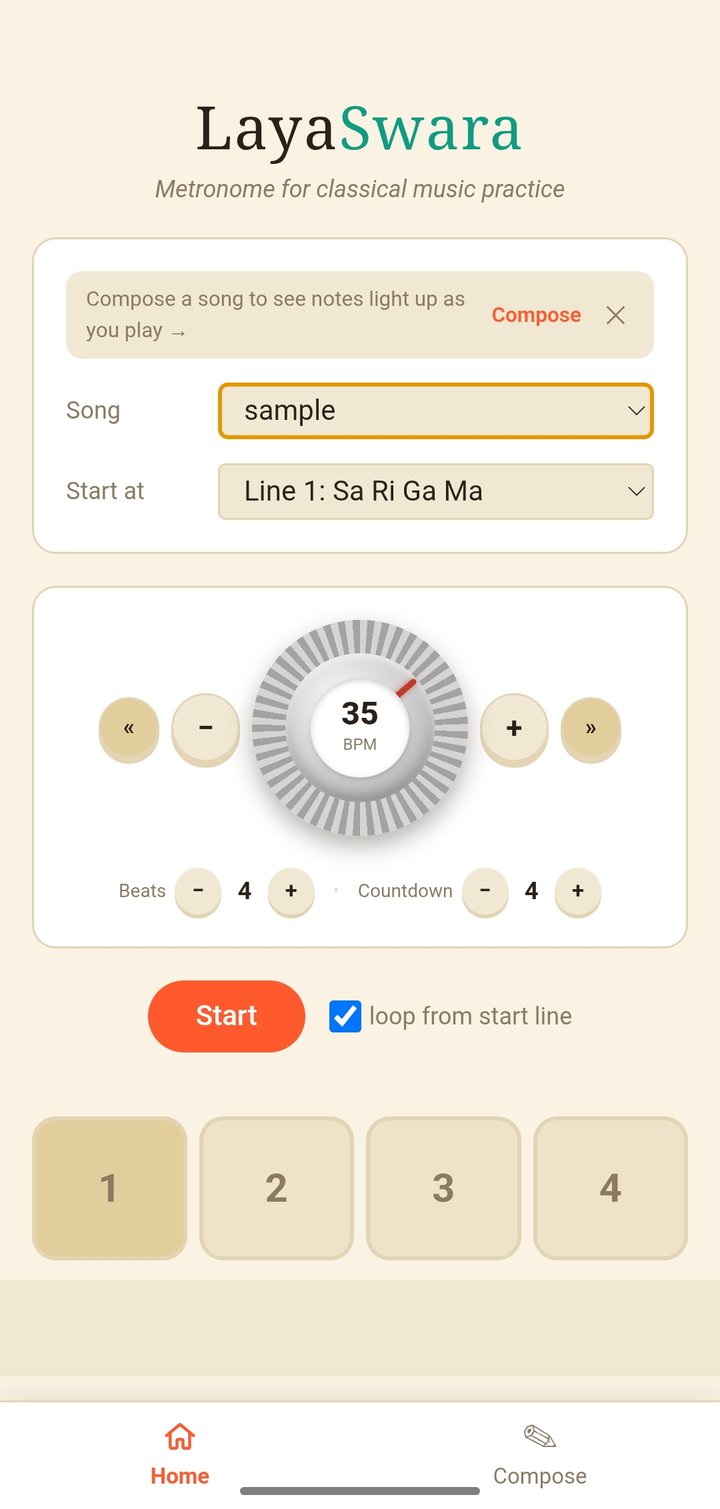
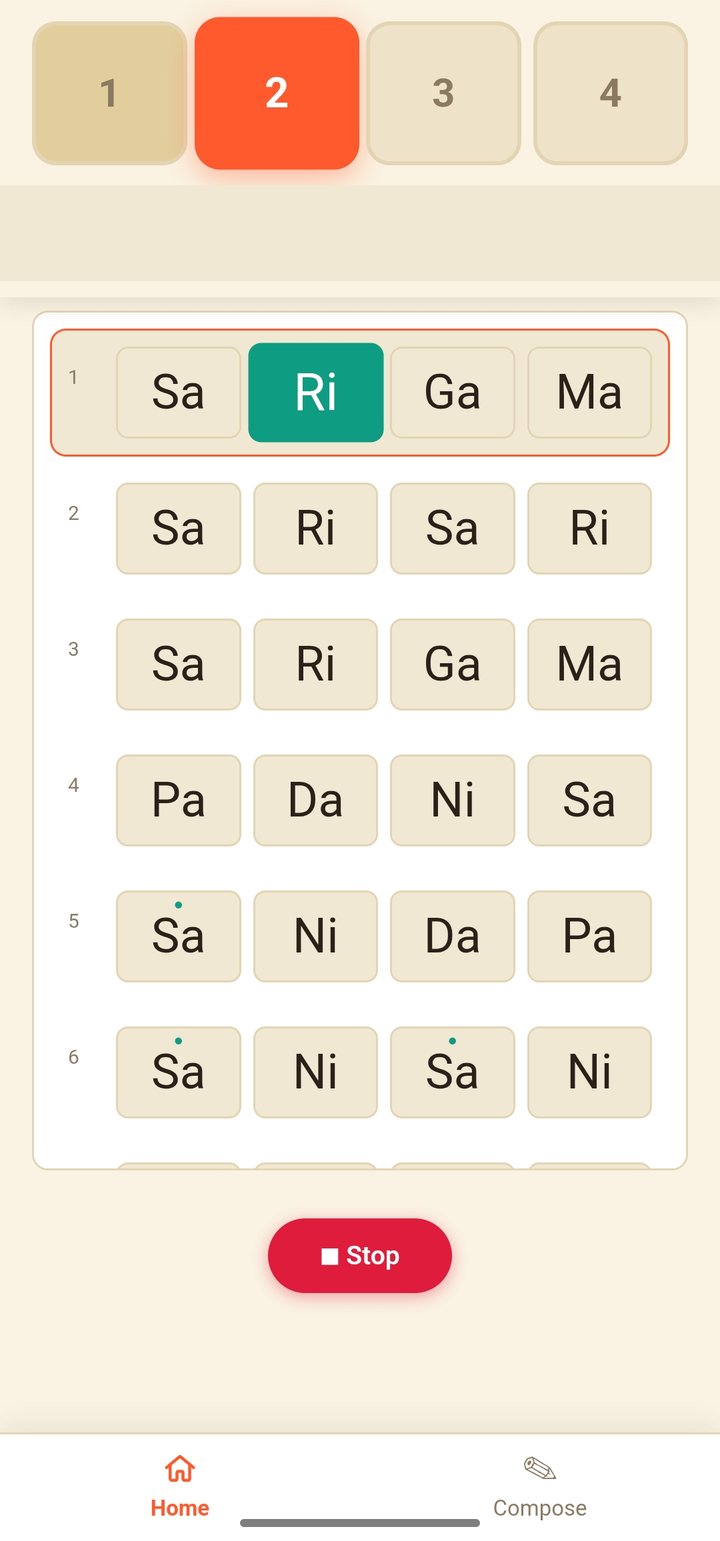
Music practice comes down to a perfect match of laya and swara. LayaSwara pairs an adjustable taala metronome with a swara composer, so you can write out a practice verse in your own script, set your BPM, and watch each note light up right on beat.

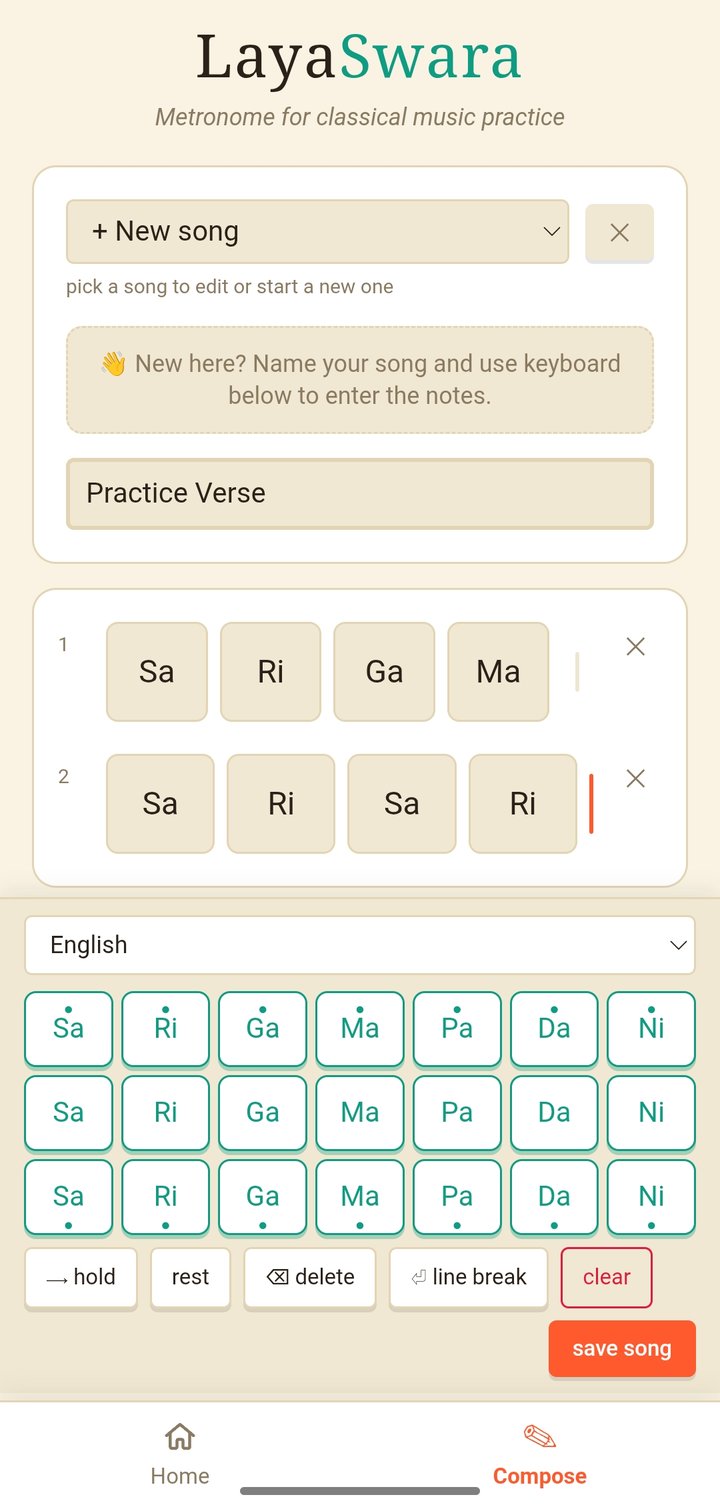
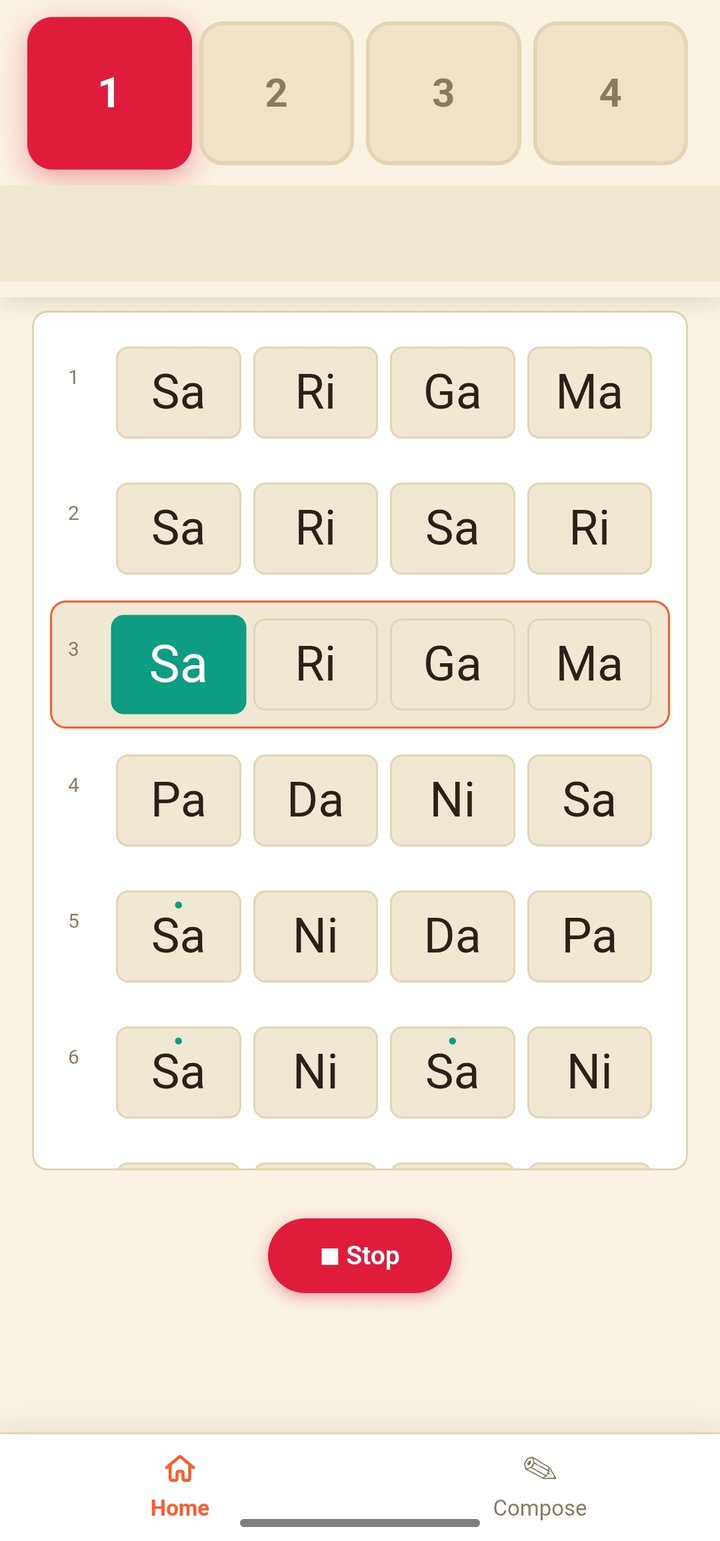
While practicing a new classical musical instrument, be it flute, tabla, morsing, violin, etc, no need to juggle between notes and a plain metronome to catch up with the beats. This one app is all you need to get the best of you. Perfect your laya and swara together!
Set your tempo and the beat count for the taala you're practicing in, from 1 to 16 beats per cycle, with a countdown-in before it starts.
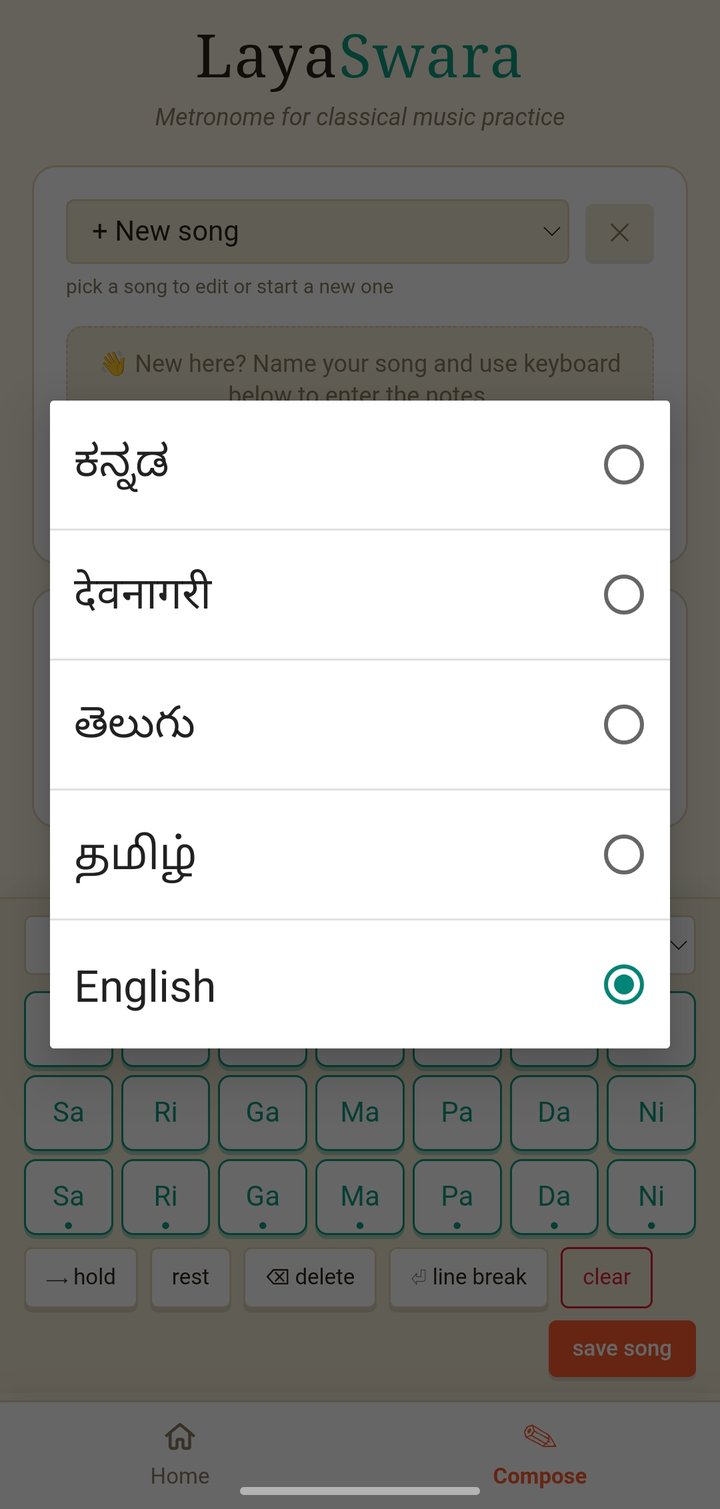
Write out swaras in English, Kannada, Devanagari, Telugu, or Tamil, and switch between them without retyping a note.
Compose a piece line by line, save it, and each swara highlights in time with your metronome so laya and swara land together.
Three screens, all built around how a classical practice session actually happens.
No internet permission, no network calls. The app works the same in a basement practice room, or anywhere else signal doesn't reach.
Every song and setting is stored locally. There's no account to create and nothing to sync — see the privacy policy for details.
It's a one-time purchase, not a subscription, and there's no advertising inside the app.
Available now on the Google Play Store.